Make a professional resume in minutes — free
Pick from 24 beautiful templates, fill in your details once and switch designs any time. Add, rename or reorder any section, then download a polished PDF.
- ✓ 24 templates
- ✓ Free PDF download
- ✓ ATS-friendly option
- ✓ Watermark optional
- 1Fill in your detailsExperience, education, skills — once.
- 2Pick a templateSwitch designs instantly, change colours.
- 3Download your PDFProtected or ATS-friendly — your choice.
Resume templates for every job
For freshers and experienced professionals, simple or creative. Your details stay the same — only the look changes.
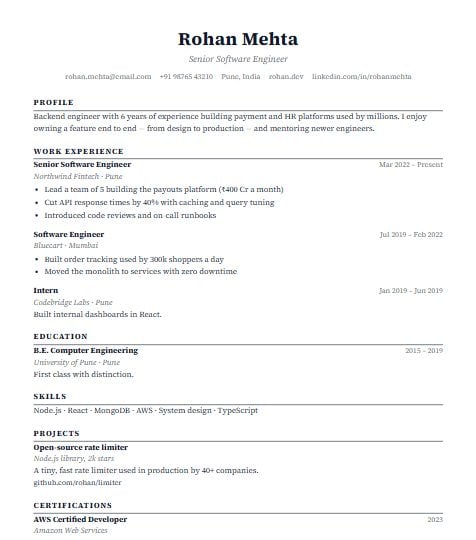 Use this template
Classic
Timeless single column
Use this template
Classic
Timeless single column
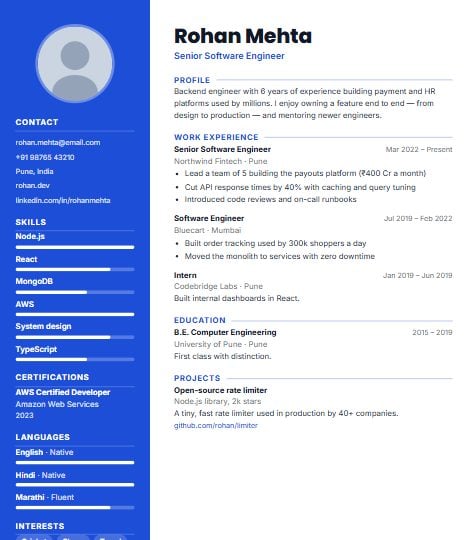 Use this template
Modern
Coloured sidebar & skill bars
Use this template
Modern
Coloured sidebar & skill bars
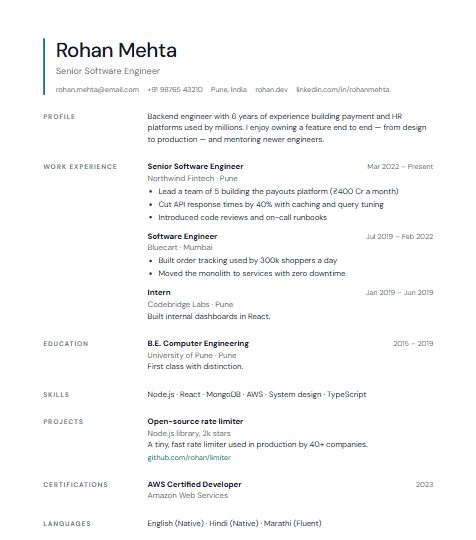 Use this template
Minimal
Airy and calm
Use this template
Minimal
Airy and calm
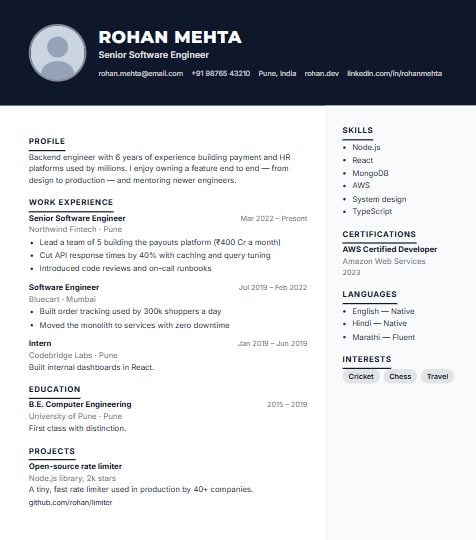 Use this template
Executive
Dark header for senior roles
Use this template
Executive
Dark header for senior roles
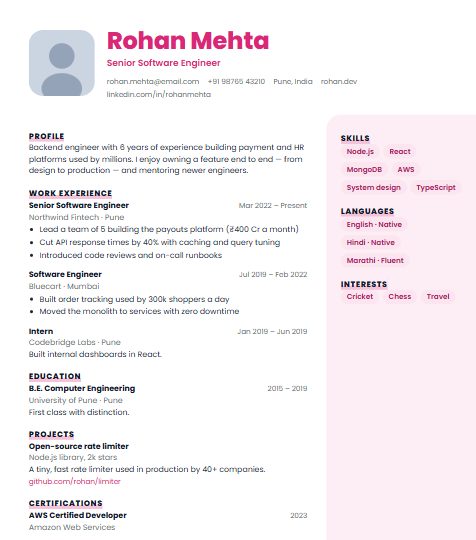 Use this template
Creative
Bold name, rounded tags
Use this template
Creative
Bold name, rounded tags
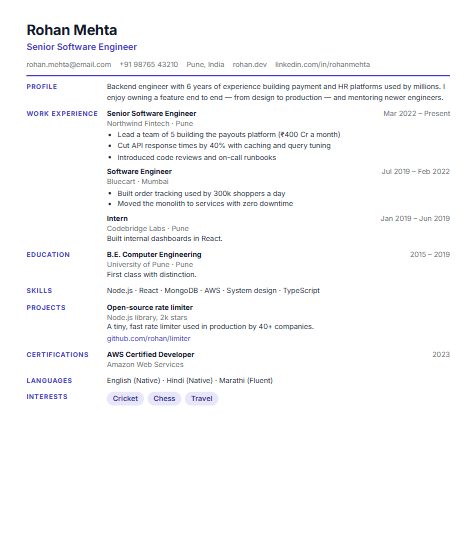 Use this template
Compact
Fits a lot on one page
Use this template
Compact
Fits a lot on one page
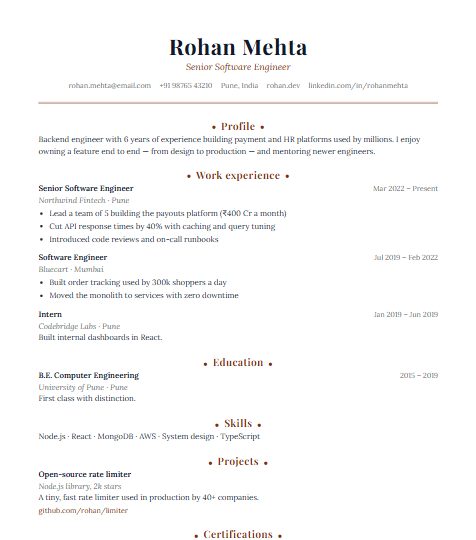 Use this template
Elegant
Refined serif type
Use this template
Elegant
Refined serif type
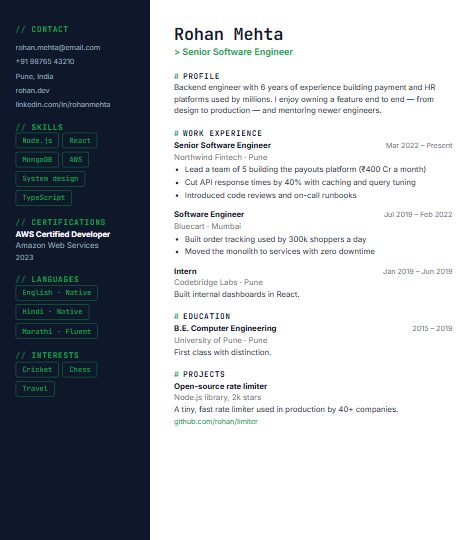 Use this template
Tech
Code-style accents
Use this template
Tech
Code-style accents
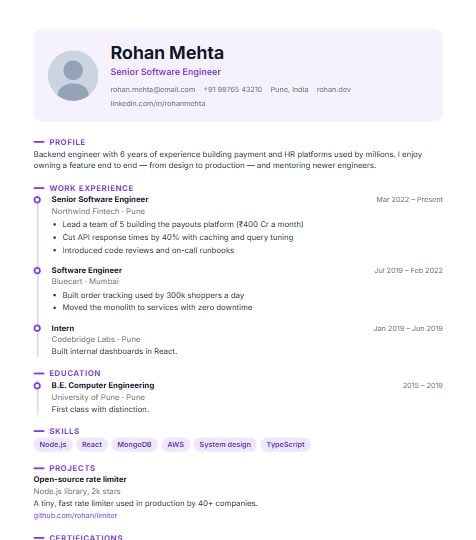 Use this template
Timeline
Your career on a timeline
Use this template
Timeline
Your career on a timeline
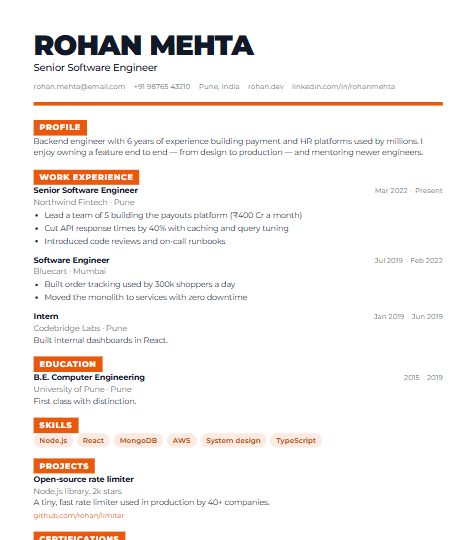 Use this template
Bold
Big name, strong markers
Use this template
Bold
Big name, strong markers
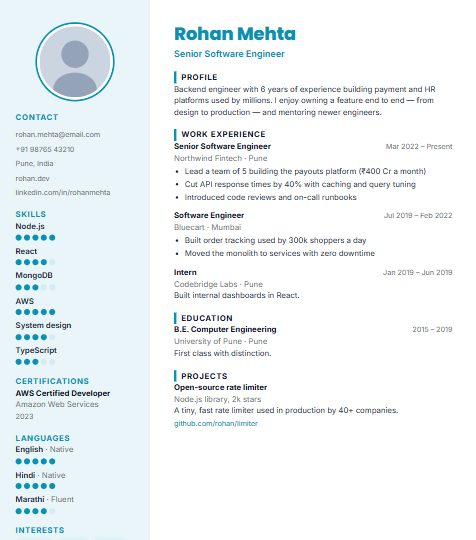 Use this template
Fresher
For students & first jobs
Use this template
Fresher
For students & first jobs
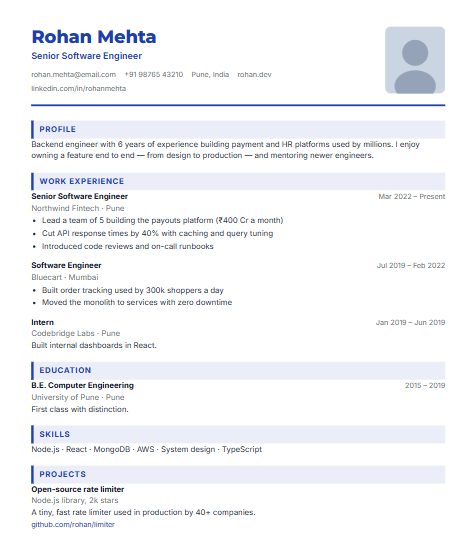 Use this template
Corporate
Structured, photo on the right
Use this template
Corporate
Structured, photo on the right
 Use this template
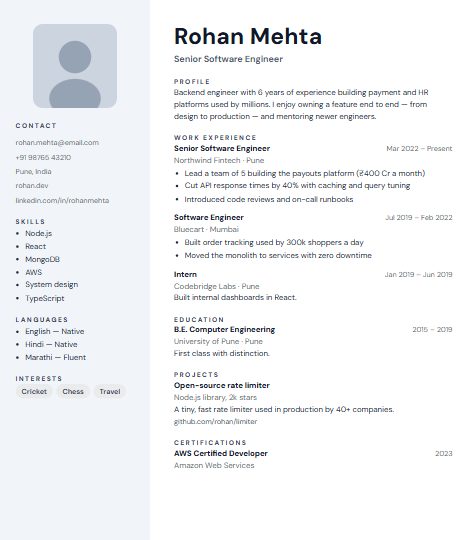
Nordic
Soft grey side column
Use this template
Nordic
Soft grey side column
 Use this template
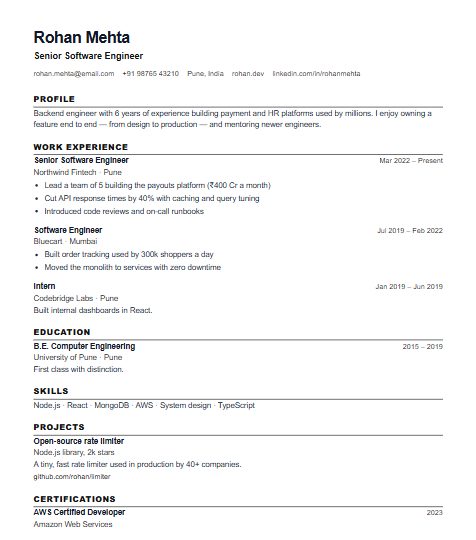
ATS Simple
Plain, best for job portals
Use this template
ATS Simple
Plain, best for job portals
 Use this template
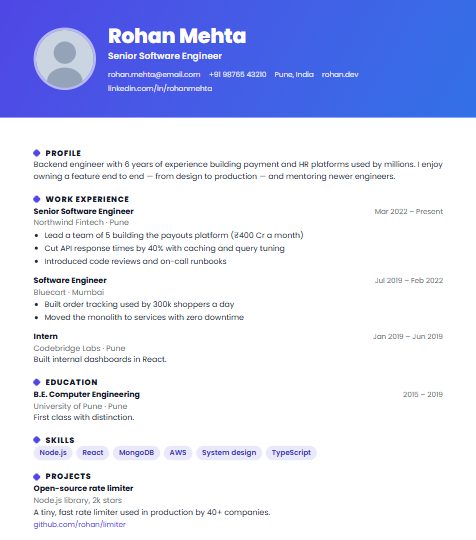
Banner
Gradient header band
Use this template
Banner
Gradient header band
 Use this template
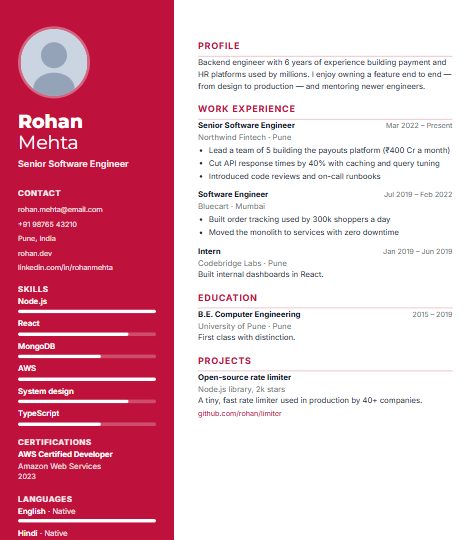
Spotlight
Name in a bold colour column
Use this template
Spotlight
Name in a bold colour column
 Use this template
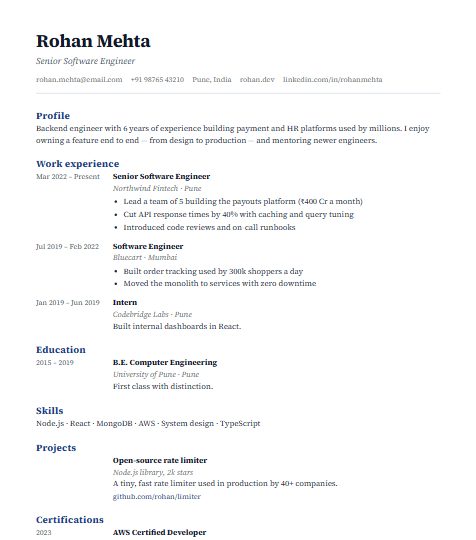
Academic
CV style, dates in the margin
Use this template
Academic
CV style, dates in the margin
 Use this template
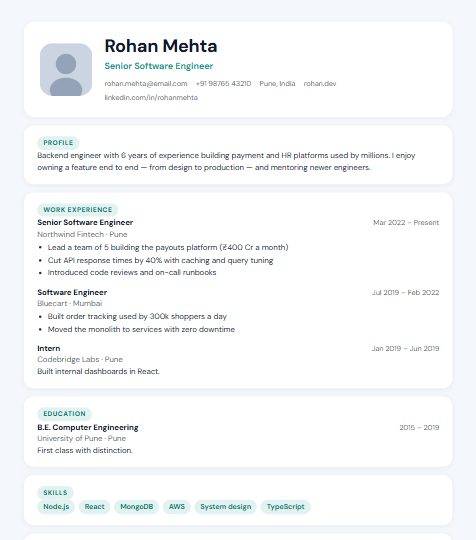
Startup
Sections on soft cards
Use this template
Startup
Sections on soft cards
 Use this template
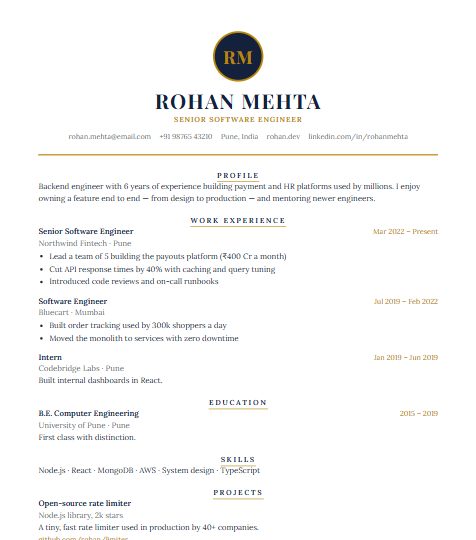
Royal
Navy & gold with monogram
Use this template
Royal
Navy & gold with monogram
 Use this template
Pastel
Soft, friendly side panel
Use this template
Pastel
Soft, friendly side panel
 Use this template
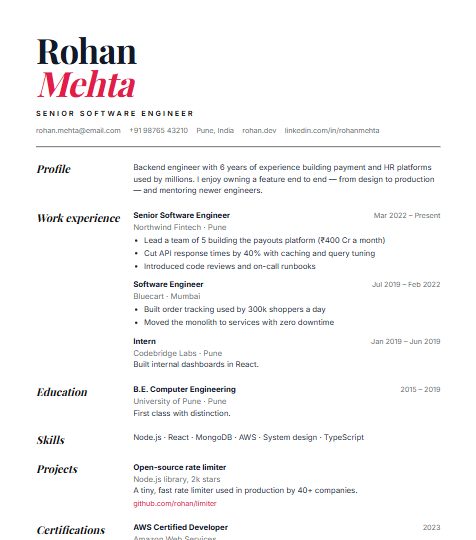
Magazine
Huge stacked name
Use this template
Magazine
Huge stacked name
 Use this template
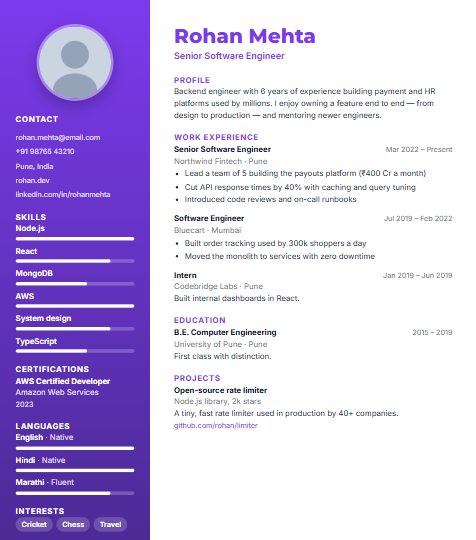
Gradient
Rich gradient sidebar
Use this template
Gradient
Rich gradient sidebar
 Use this template
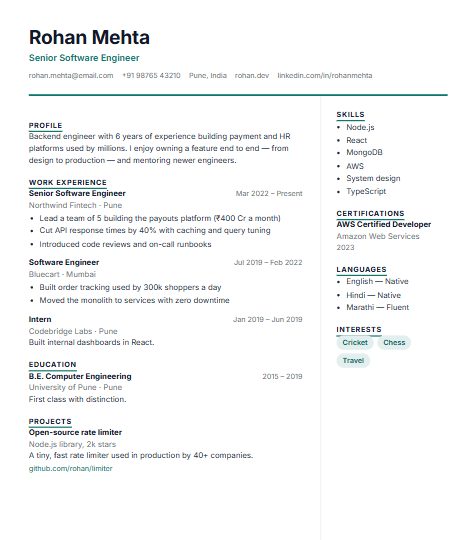
Professional
Clean two columns
Use this template
Professional
Clean two columns
 Use this template
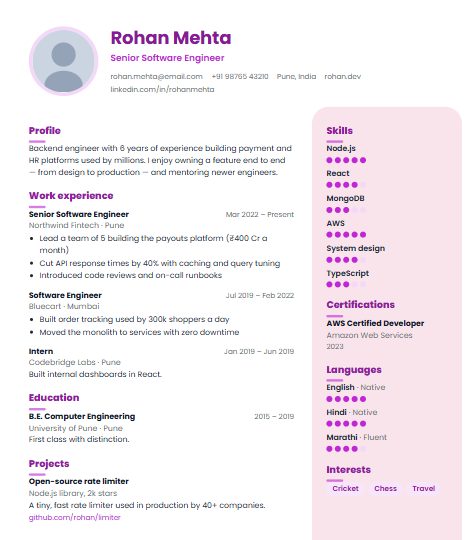
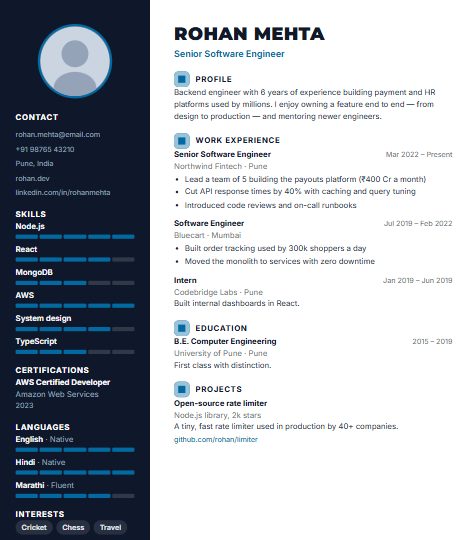
Infographic
Skill meters, bold markers
Use this template
Infographic
Skill meters, bold markers
Everything you need, nothing you don't
Start in one click
No sign-up to begin — just start typing. Create a free account only when you're ready to download.
Details once, every template
Your information is saved once. Every new resume and every template uses it — no retyping.
Fully customisable
Add projects, certifications, languages, awards or your own sections. Rename headings, hide what you don't need, reorder everything.
Live preview
See every change on the page as you type, exactly as it will download.
Two kinds of PDF
A protected PDF that keeps your design exactly as made, and an ATS-friendly text PDF for job portals.
Private and yours
Only you can see your resumes. Delete your account and everything in it whenever you like.
Write a resume that gets shortlisted
Free resume builder — questions
Is this resume builder really free?
Yes. Every template, unlimited edits and PDF downloads are free, with no trial period. A small “Made with SetuWork” note sits at the bottom of your resume — switch it off any time with one click.
Do I need to sign up to start?
No. Open the builder and start typing — your resume is kept on your device. A free account is only needed to download your PDF and to keep your resume safe for later.
Do I have to enter my details again for each template?
No. You fill in your details once. Switch to any of the 24 templates and your resume is laid out again instantly — nothing to retype.
Can I add, remove or rename sections?
Yes. Add projects, certifications, languages, awards, volunteering or your own custom sections; hide or delete any section; rename every heading; and move sections and entries up or down.
Which PDF should I download?
The standard PDF keeps the exact look of your template and can’t be turned into an editable Word file. For online job portals, choose the ATS-friendly PDF — a text PDF that applicant tracking systems can read.
Is there a resume format for freshers?
Yes — the Fresher template puts your education, projects and skills first, which suits students and first jobs. See our guide to the resume format for freshers for tips.
Is my data private?
Your resume is only visible to you. You can delete your account, along with every resume and photo, at any time.